On this page
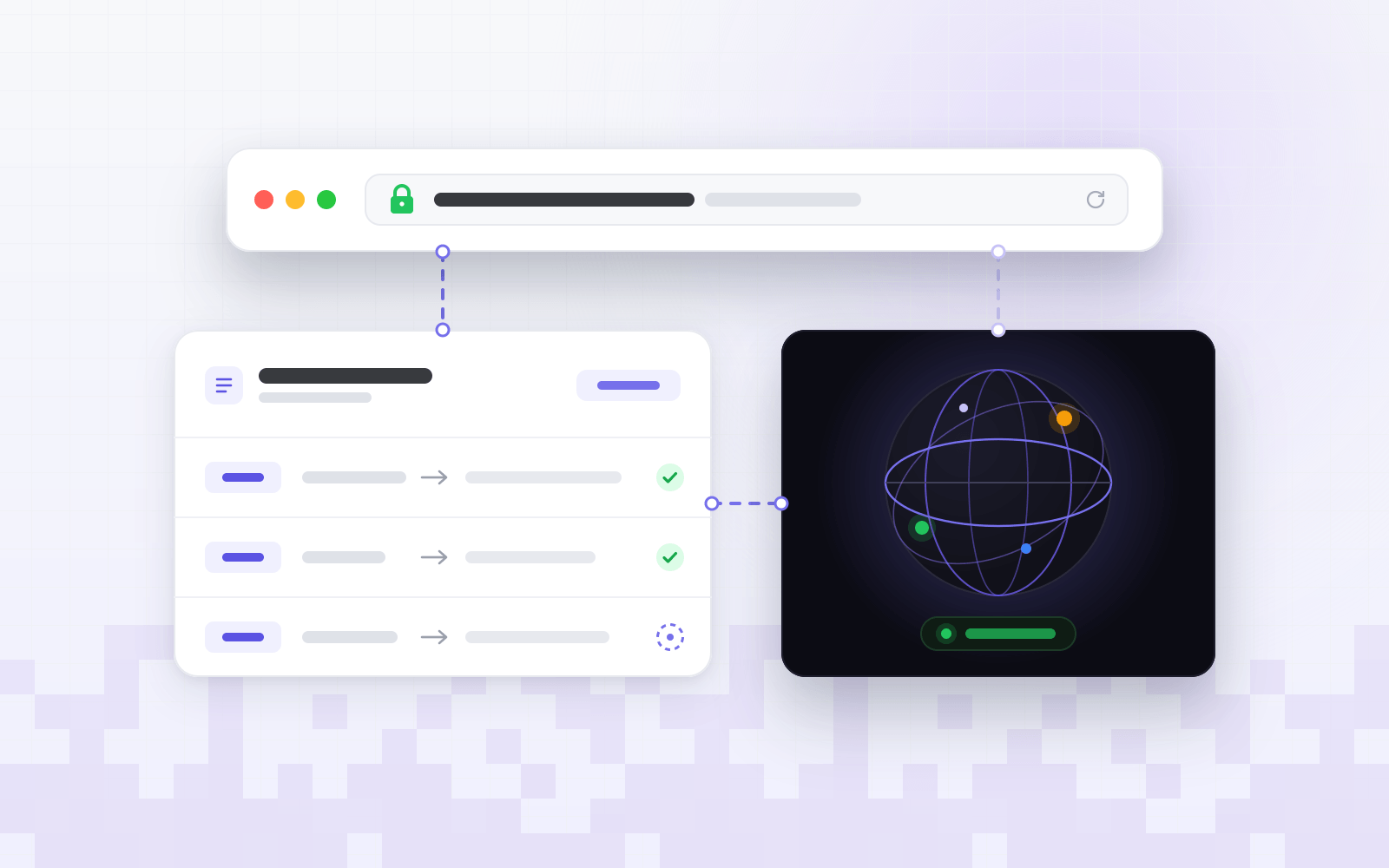
Building software has usually meant stitching things together: a site builder for the marketing pages, a framework for the app, a plugin for the store and a hosting account to hold it all. The Netiva agent workspace replaces that patchwork with one place where you describe what you want, watch it come together and ship it.
It’s not a black box. Every change the agent makes shows up in a live preview, every edit is checkpointed, and the code behind it is real code you own. Here’s a tour of what’s inside.
How a build works
- Describe it. Tell the agent what you want in plain language — a landing page, a SaaS app, a store.
- Watch it build. The agent generates pages, content and data while the preview updates. Annotate the preview or
@mentiona file to steer it. - Publish and iterate. Ship to your domain in one click, then keep chatting to refine. Every change is checkpointed and reversible.
What’s inside the workspace
Chat that builds
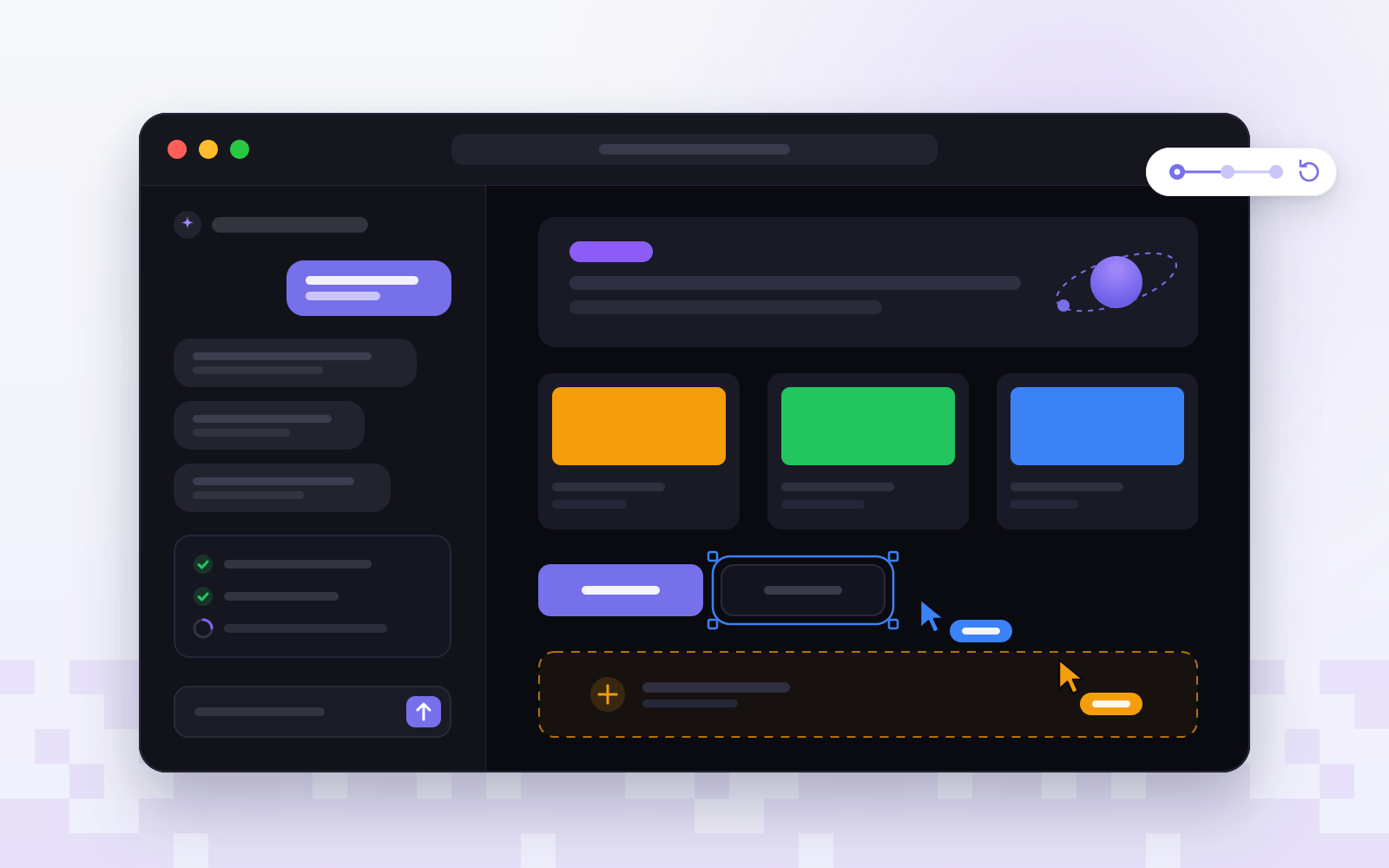
The chat is where every build starts. Ask for a booking flow for a hair salon, a pricing page or a product catalog, and the agent writes the pages, wires up the data and tells you when the preview is ready. It keeps the context of your project, so follow-ups can be as short as “make the header sticky”.
Live preview and real code
The preview renders each change as it lands. One click flips to the code view: clean, framework-standard code, not throwaway markup. Read it, edit it by hand or export it — there’s no proprietary runtime and no lock-in.
Checkpoints you can trust
Every edit the agent makes is saved as a checkpoint. Branch to try an idea, compare versions, or roll back to any moment without losing work. That makes experimenting cheap: if a change isn’t right, the version that was is one click away.
Built for teams
Invite teammates into the same workspace. You’ll see each other’s cursors, comment directly on the preview and build together live — no more screenshots pasted into chat threads.
Not a black box. A focused workspace where you steer, review and ship — at the speed of conversation.
One workspace for sites, apps and stores
- Marketing sites — landing pages, portfolios and multi-page sites, with a built-in CMS for your content.
- Web apps — dashboards, portals and SaaS products with real data and auth.
- Online stores — products, checkout and fulfillment, run from the same console as everything else.
Try it today
Start with a free workspace — no credit card required — and describe the first thing you want to build. When you’re ready to put it on your own domain, our guide to connecting a custom domain covers the DNS side step by step.